



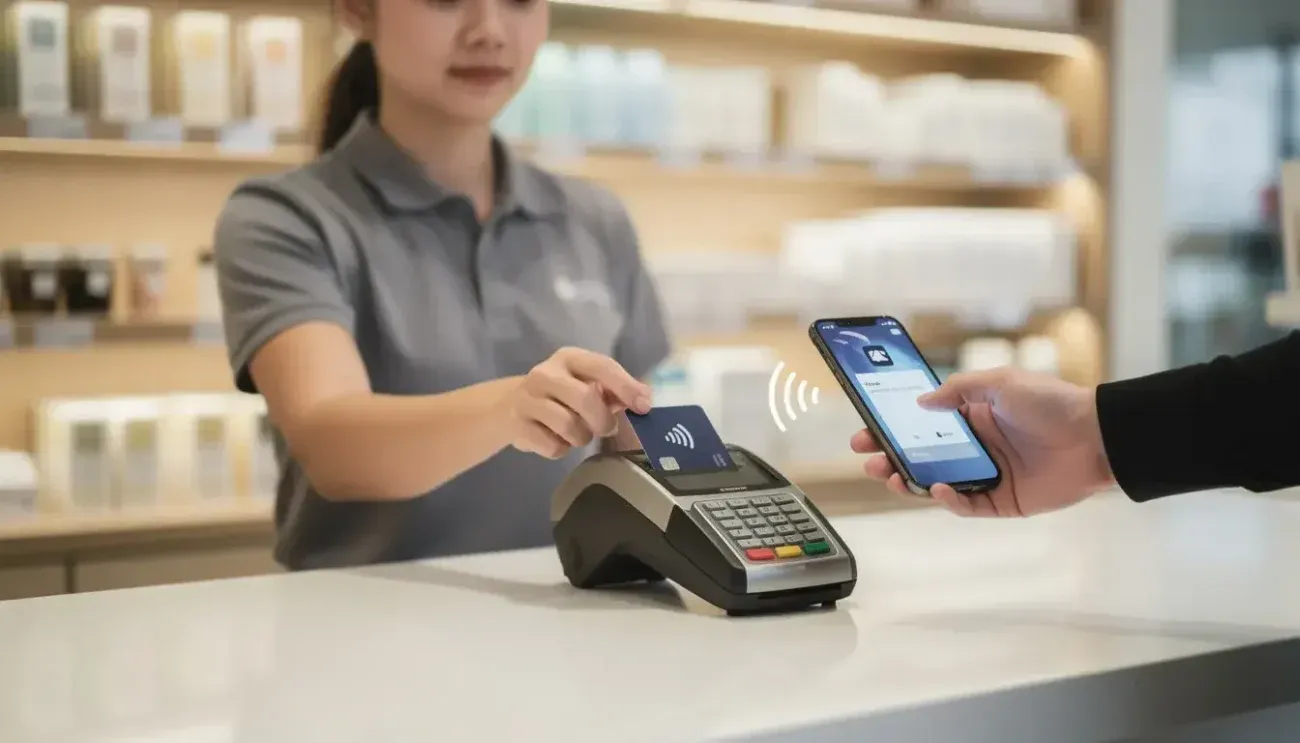
Introduction: The Silent Revenue Killer Most Businesses Ignore
Every missed payment… every declined card… every slow checkout…
That’s money walking straight out your door.
In 2026, customers expect fast, seamless, tap-and-go payments. If your setup can’t deliver that in seconds, you’re not just behind… you’re losing revenue daily.
The truth?
Choosing the best credit card machine isn’t just about taking payments. It’s about:
- Closing more sales
- Increasing customer trust
- Speeding up cash flow
- And protecting your profits from hidden fees
This guide breaks down the top credit card machines for business in 2026, so you can pick the one that actually grows your business not drains it.
What Is a Credit Card Reader (And Why It Matters More Than Ever)
A credit card processing machine is the device that lets you accept payments via:
- Chip cards (EMV)
- Contactless payments (Apple Pay, Google Pay)
- Magnetic stripe cards
But here’s the real shift in 2026:
It’s no longer just a “machine”
It’s your sales engine
Modern credit card terminals now include:
- Inventory tracking
- Customer data insights
- Sales analytics
- Integrated POS systems
Meaning… the right machine doesn’t just process payments, it helps you scale.
Best Credit Card Machines for Small Businesses (2026)
Let’s cut through the noise. These are the top-performing credit card machines dominating the market right now.
1. Square Terminal Best All-in-One Simplicity
Perfect for: Retail stores, cafes, small service businesses
Why it wins:
Simple. Powerful. No nonsense.
Key Features:
- Built-in receipt printer
- Accepts tap, chip, swipe
- Flat-rate pricing (no surprises)
- Offline mode for backup payments
Pros:
✔ Easy setup (start in minutes)
✔ No monthly fees
✔ Clean, user-friendly interface
Cons:
✖ Slightly higher transaction fees
If you want a plug-and-play credit card terminal, this is it.
2. Clover Flex Best for Growing Businesses
Perfect for: Businesses ready to scale operations
Why it stands out:
It’s not just a credit card machine, it’s a full business system.
Key Features:
- Inventory management
- Employee tracking
- Customer loyalty tools
- Mobile POS capabilities
Pros:
✔ Advanced business tools
✔ Custom app marketplace
✔ Flexible payment options
Cons:
✖ Monthly subscription required
Ideal if you want data + payments + growth tools in one device.
3. Stripe Terminal Best for Online + Offline Integration
Perfect for: E-commerce + physical store hybrid businesses
Why it dominates:
Seamless integration between online and in-person payments.
Key Features:
- Developer-friendly APIs
- Unified reporting
- Global payment support
Pros:
✔ Powerful customization
✔ Scalable infrastructure
✔ Perfect for tech-driven brands
Cons:
✖ Requires technical setup
If your business lives online AND offline, this is your edge.
4. PayPal Zettle Best Budget-Friendly Option
Perfect for: Startups and solo entrepreneurs
Why it works:
Affordable entry into credit card processing machines.
Key Features:
- Mobile card reader
- Instant PayPal integration
- Simple reporting dashboard
Pros:
✔ Low upfront cost
✔ Trusted brand
✔ Quick payouts
Cons:
✖ Limited advanced features
Great for businesses that want to start accepting payments immediately.
5. Toast POS Best for Restaurants
Perfect for: Food businesses
Why it’s different:
Built specifically for restaurant workflows.
Key Features:
- Table management
- Kitchen display integration
- Menu customization
Pros:
✔ Industry-specific tools
✔ Fast order processing
✔ Strong reporting features
Cons:
✖ Limited outside food industry
If you run a restaurant, this isn’t optional, it’s essential.
Quick Comparison: Which Credit Card Machine Wins?
| Feature | Square | Clover | Stripe | Zettle | Toast |
|---|---|---|---|---|---|
| Ease of Use | ⭐⭐⭐⭐⭐ | ⭐⭐⭐⭐ | ⭐⭐⭐ | ⭐⭐⭐⭐⭐ | ⭐⭐⭐⭐ |
| Pricing | Transparent | Moderate | Flexible | Low | Moderate |
| Best For | Small biz | Scaling | Tech brands | Startups | Restaurants |
| Features | Basic+ | Advanced | Custom | Basic | Industry-specific |
How to Choose the Best Credit Card Machine (Buyer’s Guide)
Before you pick any credit card terminal, answer this:
1. What’s Your Business Type?
- Retail → Square or Clover
- Online + Offline → Stripe
- Food → Toast
- Startup → Zettle
2. Understand the Fees (This Is Where Most Lose Money)
Watch out for:
- Transaction fees
- Monthly subscriptions
- Hidden charges
The wrong machine can quietly eat 10–20% of your profits over time.
3. Speed = More Sales
A slow credit card processing machine kills momentum.
Look for:
- Fast processing
- Contactless payments
- Offline backup
4. Integration Matters
Your machine should connect with:
- Accounting software
- Inventory systems
- CRM tools
If it doesn’t integrate… it will slow you down.
5. Scalability
Don’t just think about today.
Choose a system that:
- Grows with your business
- Supports multiple locations
- Handles higher transaction volume
Hidden Benefits Most Business Owners Miss
The right credit card machine can:
✔ Increase average order value
✔ Improve customer experience
✔ Reduce checkout friction
✔ Provide real-time insights
✔ Build customer loyalty programs
Translation: More money. Less effort.
FAQs What Business Owners Are Really Asking
1. What is the best credit card machine for small business?
It depends on your needs, but Square Terminal is the best all-around option for simplicity and reliability.
2. How much does a credit card machine cost?
- Basic readers: $0–$50
- Advanced terminals: $200–$800
- Monthly fees: $0–$100+
3. Are mobile credit card machines worth it?
Yes, especially for:
- Delivery businesses
- Freelancers
- Pop-up shops
They increase flexibility and sales opportunities.
4. What’s the cheapest way to accept card payments?
Using providers like PayPal Zettle or Square with no monthly fees.
5. Do I need a POS system with my credit card terminal?
Not always, but having one can:
- Track sales
- Manage inventory
- Improve efficiency



)