



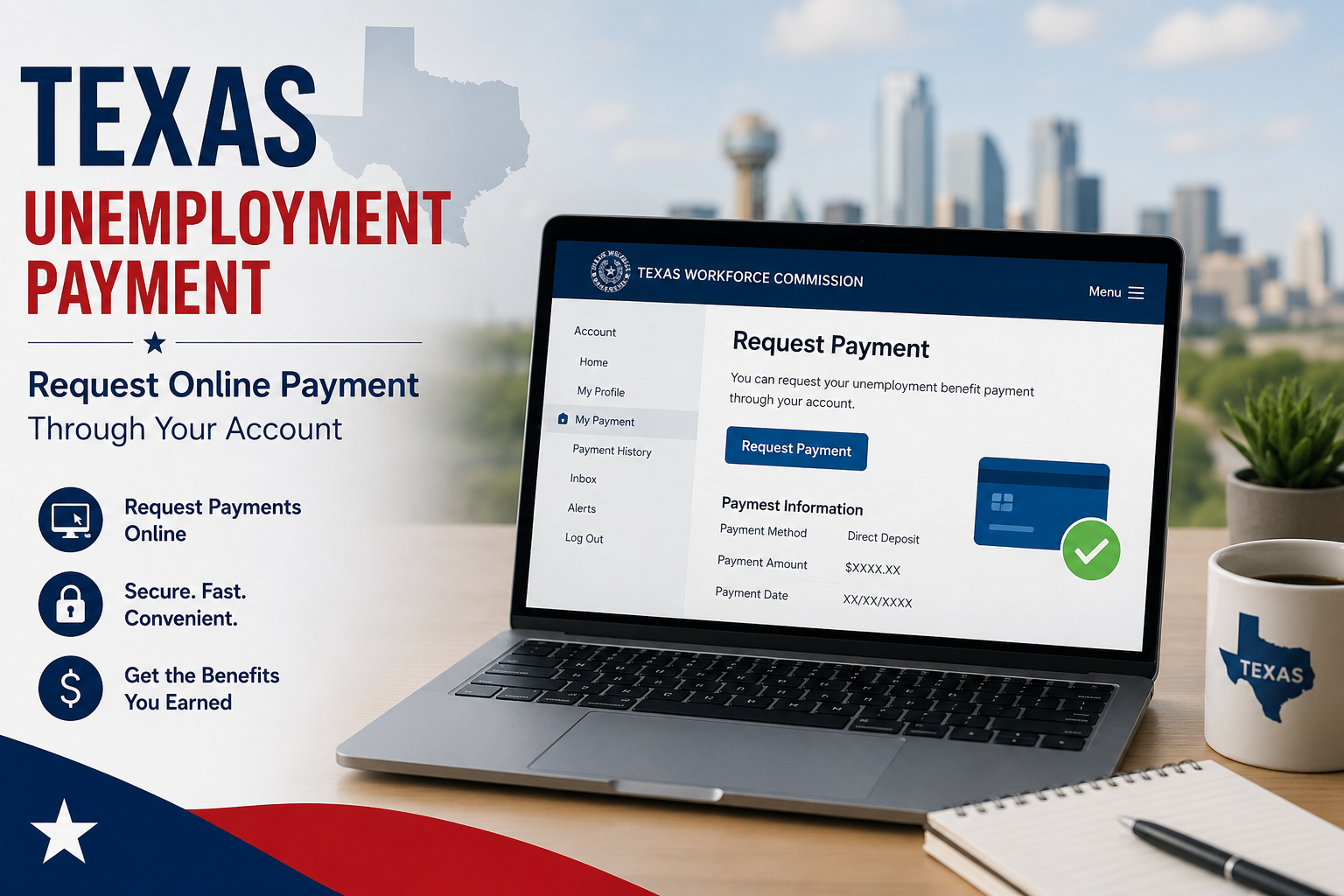
A step-by-step guide to requesting your unemployment benefit payments through the Texas Workforce Commission (TWC) online portal.
What Is Unemployment Payment?
When you lose your job through no fault of your own, the Texas Workforce Commission (TWC) may provide you with weekly benefit payments to help cover your expenses while you look for new work.
To receive these payments, you must request them every two weeks by certifying that you are still eligible. This is called a payment request.
Important: You must request payment on time. Missing a payment request window can delay or stop your benefits.
Who Can Request a Payment?
Before you request a payment, you must meet the following conditions.
- You have already filed an initial claim for unemployment benefits.
- TWC has approved your claim and sent you a confirmation.
- You are actively looking for work and can prove it.
- You are able and available to work each week you are claiming.
- You have not returned to full-time employment.
- You are requesting for weeks that fall within your benefit year.
How to Request Your Payment Online
The fastest way to request payment is through the TWC online portal. Follow these steps carefully.
- Go to the TWC Unemployment Benefits Services website and log in with your User ID and password.
- From your home page, click on“Request a Payment”under the Quick Links section.
- Read the instructions carefully and confirm you understand your rights and responsibilities.
- Answer all questions honestly about the weeks you are certifying for, including any work or earnings.
- Enter any wages earned during the week, even if you have not yet been paid.
- Submit your payment request and note the confirmation number shown on the screen.
Tip: Save or print your confirmation number after each successful request. This is your proof that the request was submitted.
When to Request Payment
TWC uses a two-week cycle. You must request payment every two weeks for the prior week period you are claiming.
| Request Method | Available Days | Available Hours |
| Online (TWC portal) | Daily | 7:00 a.m. – 6:00 p.m. CT |
| Tele-Serv (automated phone) | Daily | 7:00 a.m. – 6:00 p.m. CT |
| TWC Tele-Center (live agent) | Monday – Friday | 8:00 a.m. – 6:00 p.m. CT |
Note: TWC assigns you a specific day to request payment based on the last two digits of your Social Security Number. Always check your TWC correspondence for your assigned day.
How Your Benefit Payment Is Calculated
TWC calculates your weekly benefit amount (WBA) based on the wages you earned during your base period. The base period is the first four of the last five completed calendar quarters before you filed your claim.
| Factor | Details |
| Minimum weekly benefit | $74 per week |
| Maximum weekly benefit | $563 per week |
| Maximum benefit duration | Up to 26 weeks per benefit year |
| Calculation method | Based on highest quarter wages in your base period |
If you worked and earned wages during a week you are claiming, TWC will reduce your payment for that week based on what you earned.
How You Receive Your Payment
TWC offers two ways to receive your unemployment benefit payments.
TWC Debit Card
Default payment method. TWC deposits funds to a debit card mailed to you after your first approved payment.
Direct Deposit
Optional. You can sign up to have payments sent directly to your personal bank account instead.
To switch to direct deposit, log in to the TWC portal and use the Payment Option Quick Link on your home page, or call Tele-Serv and select option 5.
Reporting Earnings When You Work
If you do any work during a week you are claiming, you must report those earnings when requesting your payment. This applies even if you have not yet received your paycheck.
- Report your gross earnings (before taxes), not your take-home pay.
- Include all hours worked, even if you only worked one day.
- Report earnings from self-employment or freelance work as well.
- TWC will apply a formula to determine if you still qualify for a reduced payment.
Formula used by TWC: TWC subtracts 25% of your weekly benefit amount from your earnings, then deducts the rest from your payment. You may still receive a partial payment if your earnings are low enough.
Proof of Wages: What Documents Are Accepted
If TWC asks you to verify your wages or work history, you must provide official documents. The documents must show your name, Social Security Number, and your employer’s name, address, and phone number.
| Document Type | What It Must Include | Accepted |
| Pay stubs / check stubs | Name, SSN, employer details, pay amount | Yes |
| Employer letter | Start/end dates, total wages, employer contact info | Yes |
| W-2 Form | Must identify the specific time frame covered | Yes |
| 1099 Form | Must identify the specific time frame covered | Yes |
| Personal bank statements (alone) | Does not include employer details | Not sufficient |
Work Search Requirements
To keep receiving payments, you must actively search for work each week. TWC requires you to keep a work search log and may ask you to submit it at any time.
- You must make at least three work search activities per week.
- Activities can include submitting job applications, attending job fairs, or contacting employers.
- Record each activity with the employer’s name, contact info, position applied for, and the date.
- Failure to perform work search activities can result in a denial of benefits for that week.
Register on WorkInTexas: TWC may require you to register and use WorkInTexas to log and manage your job search activities as part of your eligibility requirements.
FAQ’s
Q: What happens if I miss my payment request date?
If you miss your assigned request day, you may still be able to request a late payment. Log in to the TWC portal or call Tele-Serv to check if the option is still available. Repeated missed requests can affect your benefits.
Q: Can I request payment if I worked part-time during the week?
Yes. You can still request payment if you worked part-time, but you must report all earnings for that week. TWC will calculate whether you are still eligible for a full or partial payment based on how much you earned.
Q: How long does it take to receive my payment?
After a successful payment request, most payments are processed within two to three business days. The time may vary depending on your chosen payment method (debit card or direct deposit).
Q: What if I disagree with a TWC decision about my payment?
You have the right to appeal any TWC decision. You must file your appeal within 14 calendar days of the date on the decision letter. TWC will notify you by mail with the details of how to submit your appeal.
Q: Do I need to request payment even if I have not found a job yet?
Yes. You must continue to request payment every two weeks for as long as you are receiving benefits and meet all eligibility requirements. If you stop requesting payments, your benefits will stop as well.